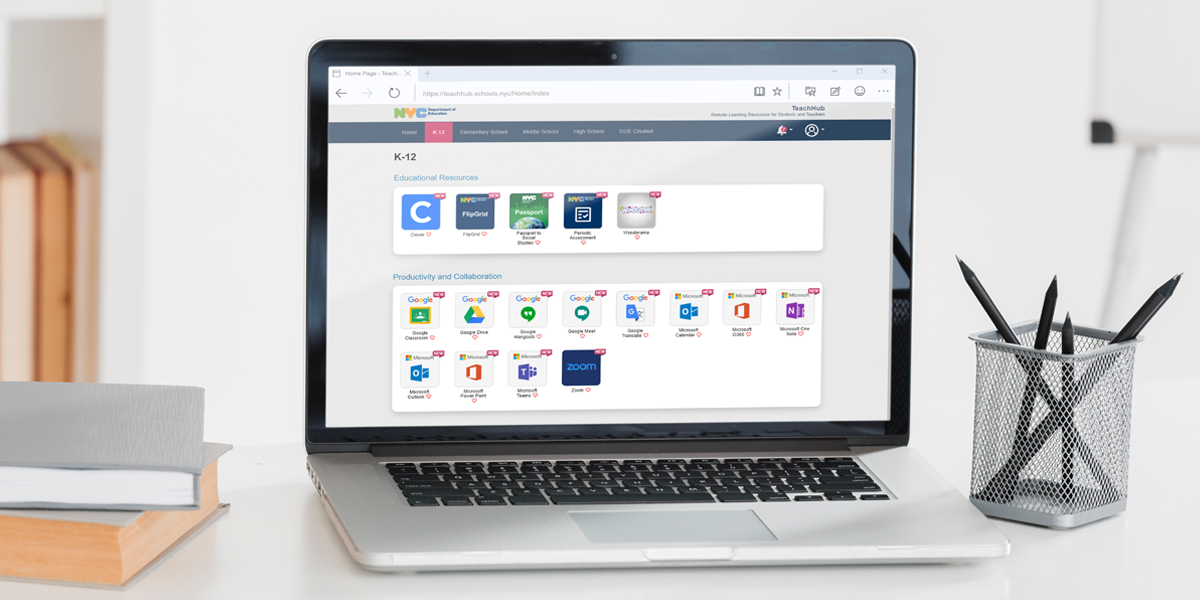
PLEASE SEE ATTACHED TO LEARN ABOUT
TEACHHUB
NYCSA- PARENT PORTAL
MYSCHOOLS ACCOUNT
DOE Student Accounts
Every New York City public school student has a DOE account. It is created automatically when you enroll in school. Your DOE account stays the same the entire time you are in school, and with it you can access all DOE technology platforms. Platforms include:
Getting Started
Your school must give you your username and a password. Once you have these, you can start signing into DOE applications.
Your school may give you a generic password. If so, we recommend you reset the password yourself, to something unique. This will give you more safety and security. Instructions on how to reset your own password are below.
The best way to start using your DOE account is to sign into TeachHub. From here, you can access all DOE applications with one click, and you only need to sign in once.
Resetting Your Password
There are three different ways you can reset your DOE password:
To use the Student Self-Service(Open external link)(Open external link) tool you must have created a PIN or set up security questions. If you have not done either, see options 2 and 3. Through this method, you can reset your own password once every 30 days.
Your parent or guardian can reset your password in NYCSA. If they don’t have a NYCSA account, they can create one for free.
If you are unable to reset your password, contact your school for help. They can find instructions on how to reset your password on the Reset Student Account Passwords page(Open external link) (DOE staff only) on the InfoHub.
PINs
By default, a PIN is not set for your account. You must create a PIN yourself. Your school does not have, or create, a PIN for you. There is no universal PIN for your school.
To create a PIN:
Please note that PINs are optional for your DOE account. However, if you do not create a PIN, you will not be able to use the self-service tool to reset your password. If you feel like it would be hard to remember your PIN, or you are the parent of a young student, we recommend resetting your password through NYCSA.
Security Questions
Like a PIN, security questions are, by default, not set up. You must set them up.
To set up security questions:
link to sign up to volunteer https://bit.ly/PS3PTAvolunteer